Description
Analog photography & darkroom companion · v1.0
AnalogFilm ToolBox
A desktop companion for shooting, testing, and developing film at home. Browse emulsions, log your chemistry, audit cameras before you load a roll, and export handcrafted Lightroom presets — all in one offline app. Your data saves automatically to your Documents folder. No login, no cloud sync, no subscription.
Try the live demo
Full app UI in your browser — session only, nothing saved. See every tab before you purchase.
Included modules
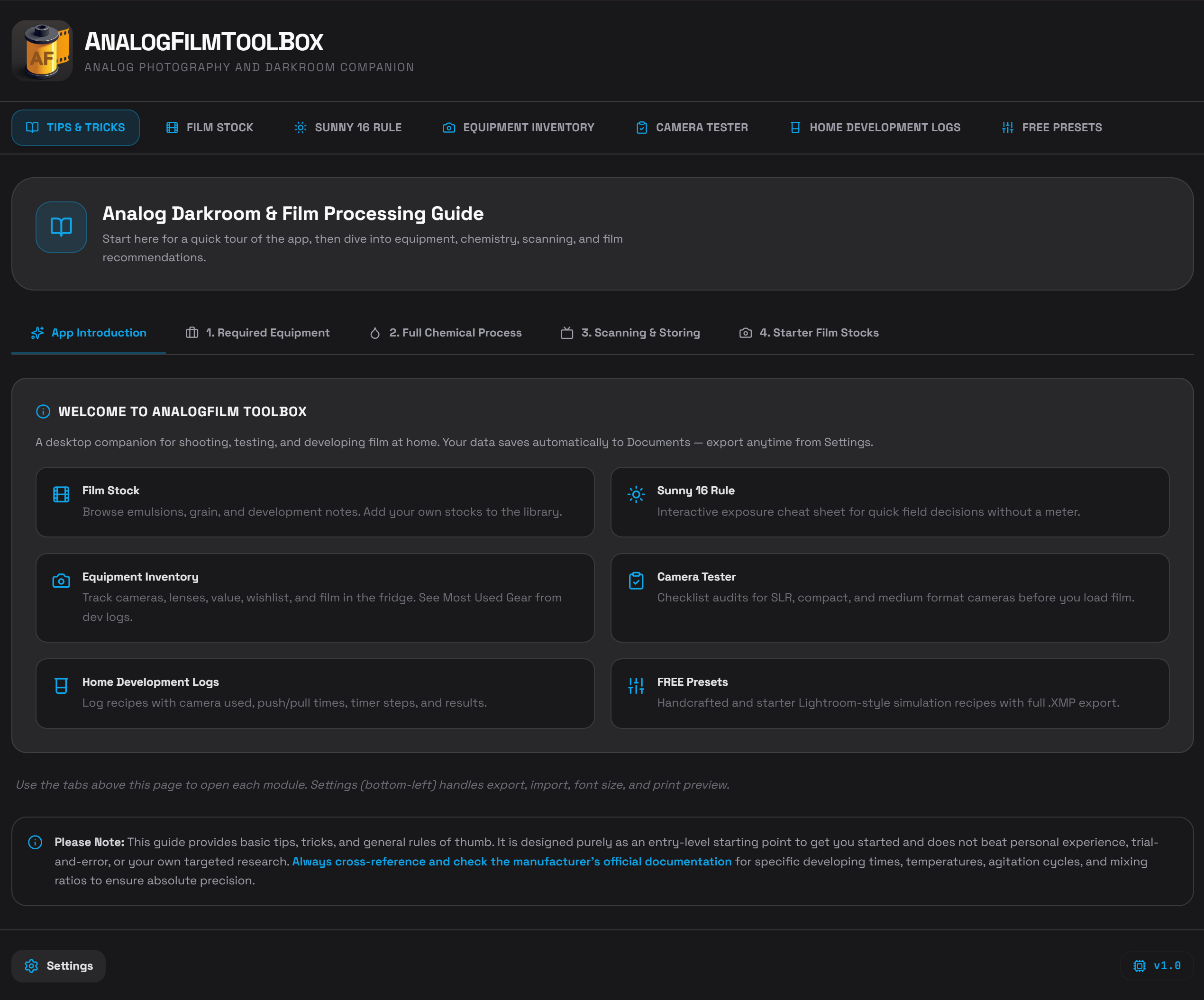
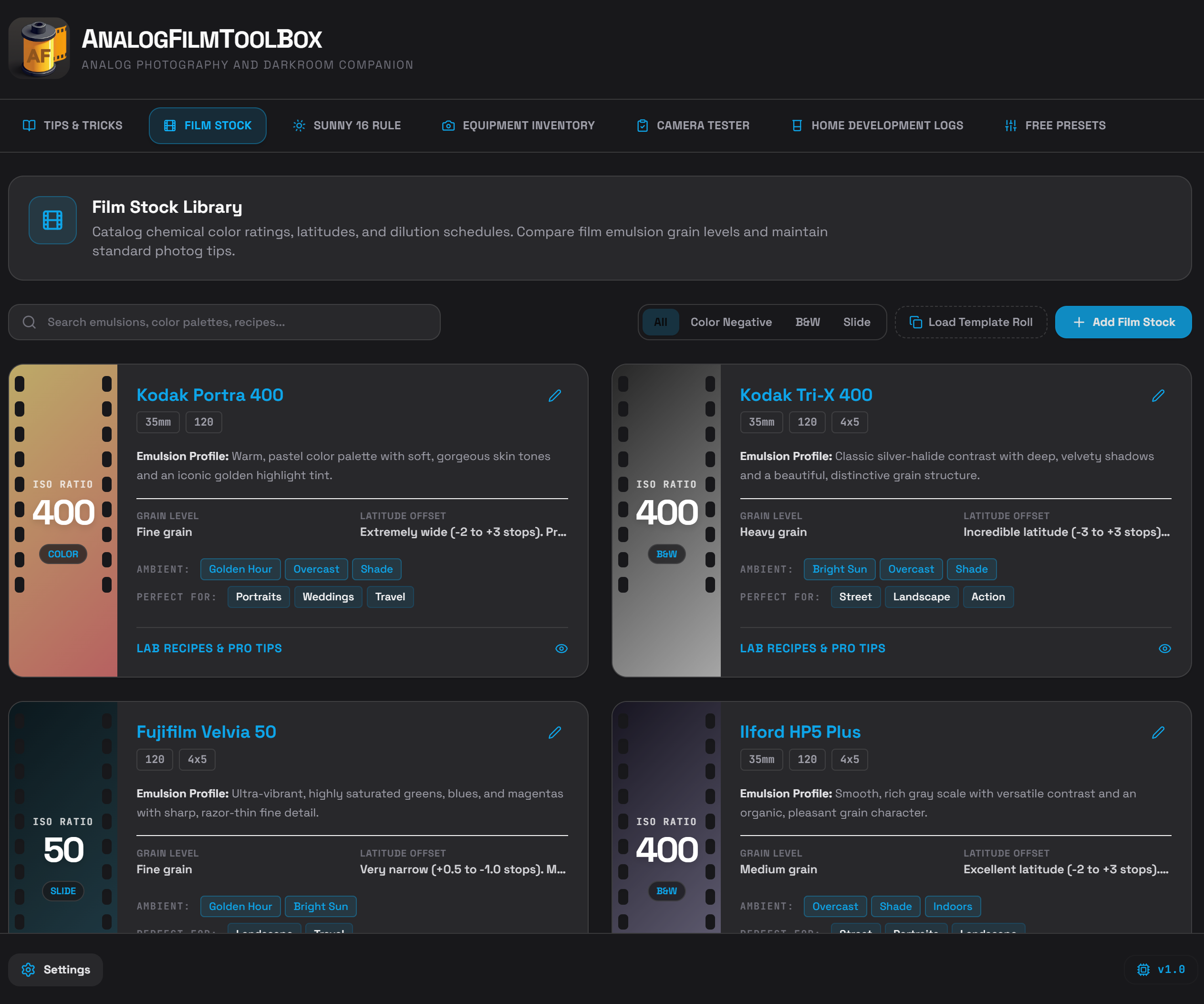
| ◆ | Film Stock Library Browse emulsions, grain, and development notes. Add your own stocks to the library. |
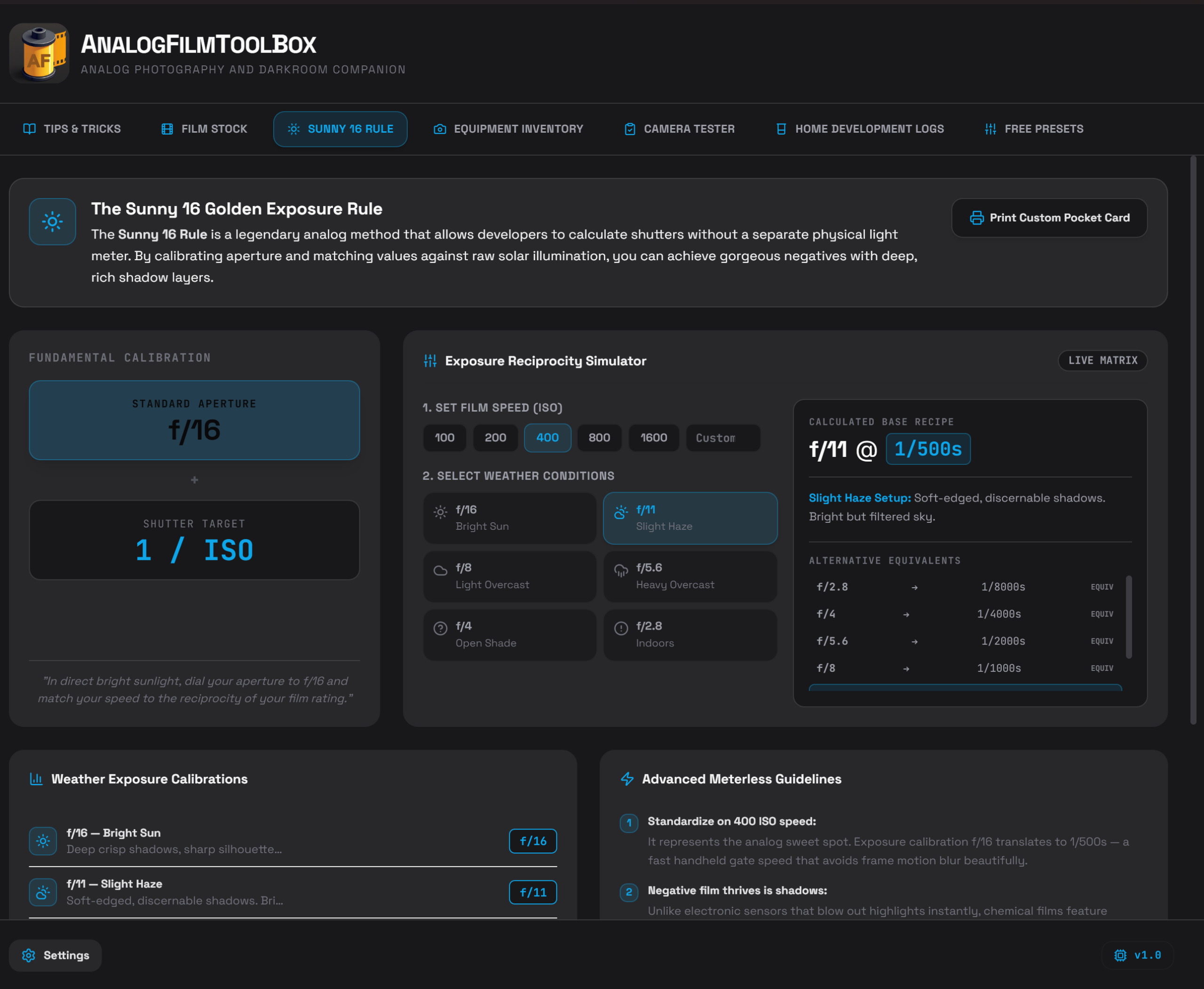
| ◆ | Sunny 16 Rule Interactive exposure cheat sheet for quick field decisions without a meter. |
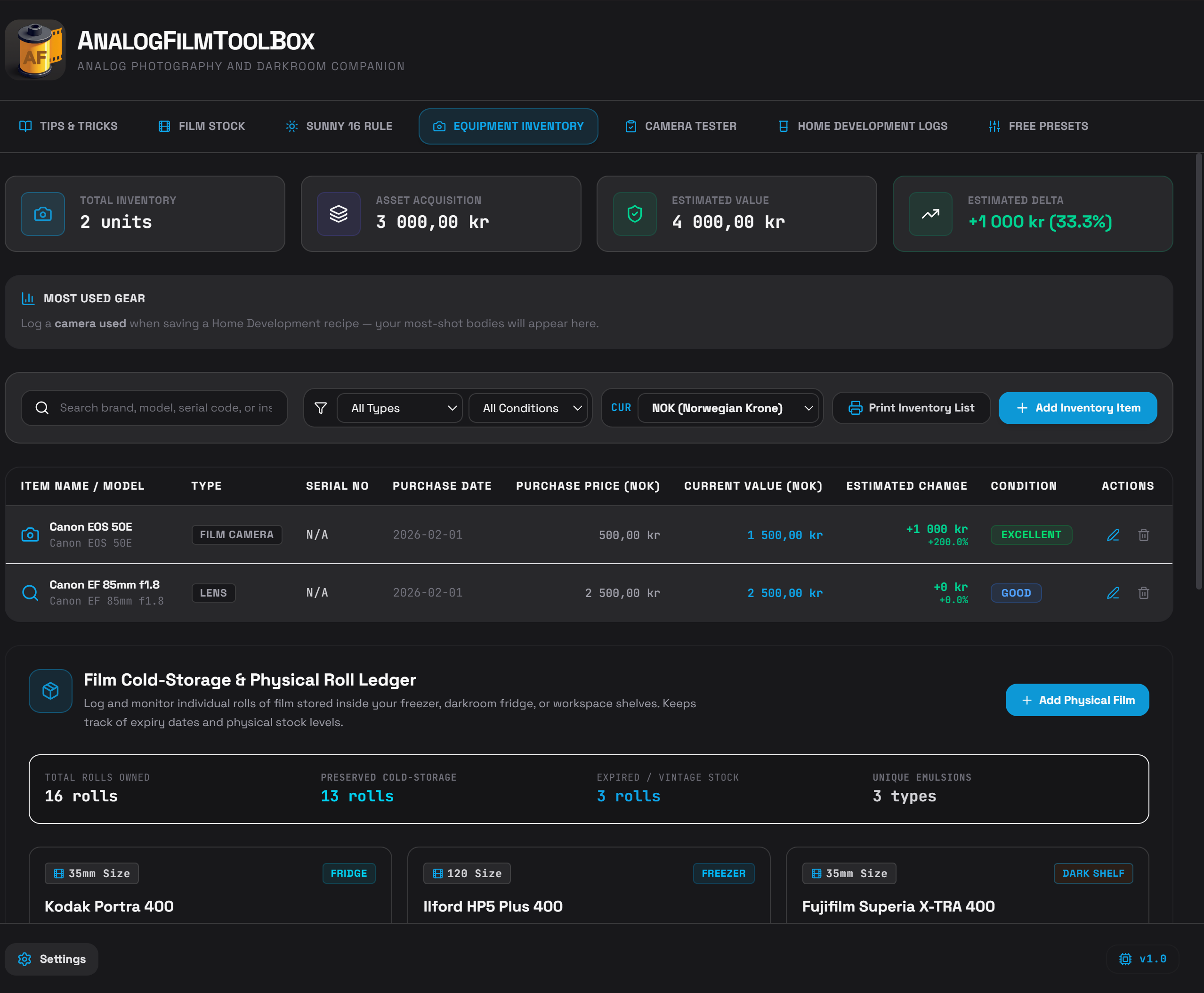
| ◆ | Equipment Inventory Track cameras, lenses, value, wishlist, and film in the fridge. See Most Used Gear from development logs. |
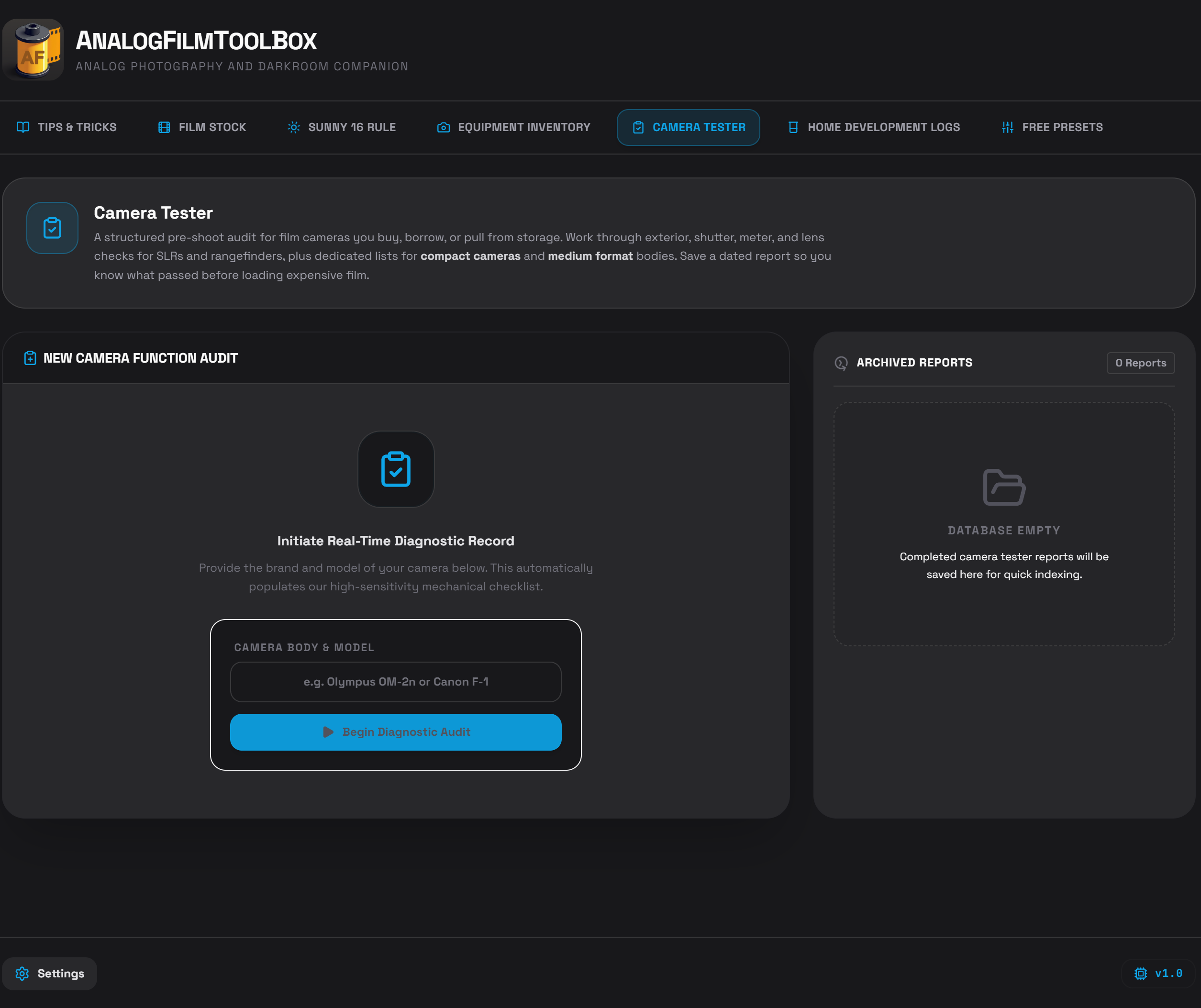
| ◆ | Camera Tester Checklist audits for SLR, compact, and medium format cameras before you load film. |
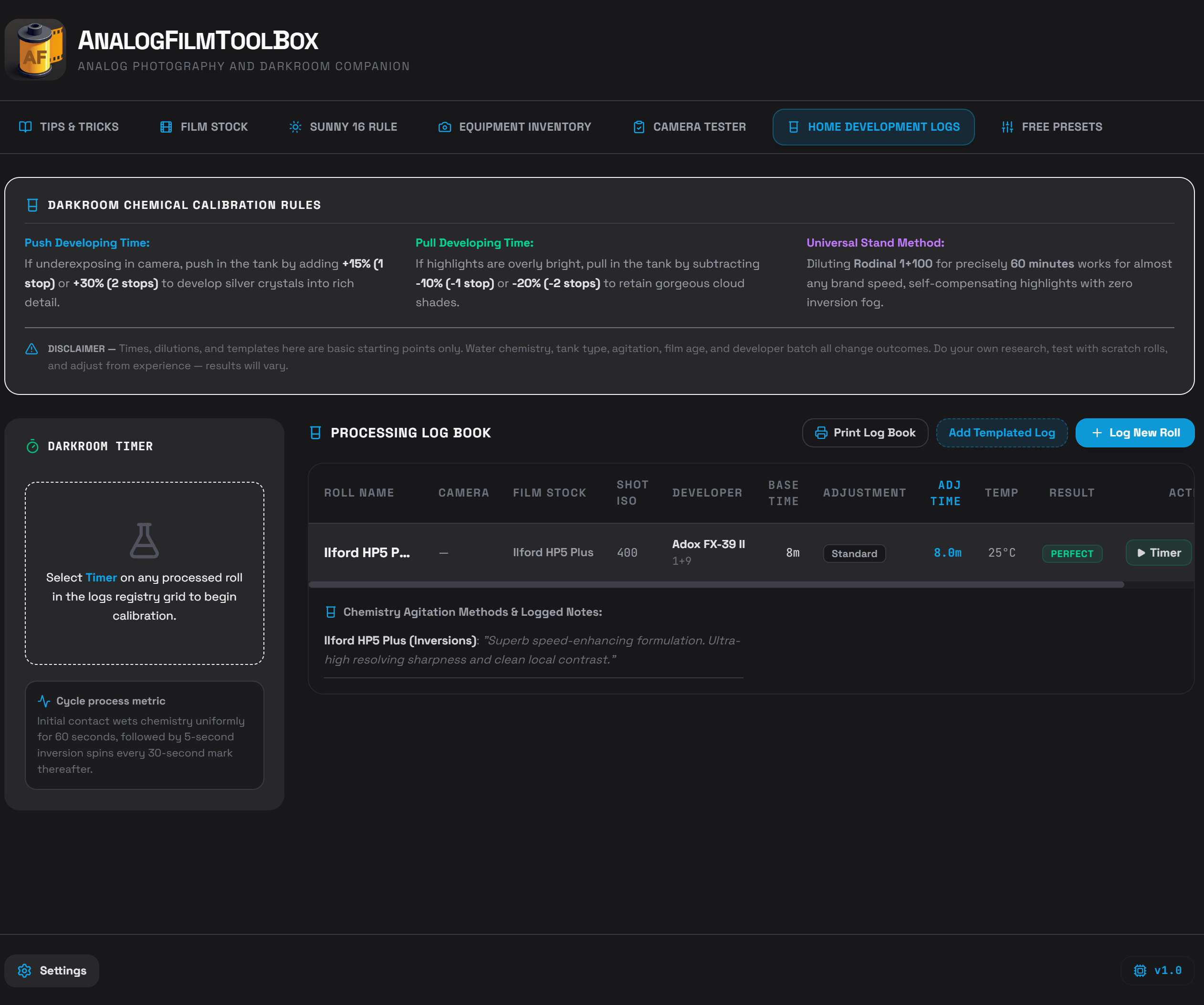
| ◆ | Home Development Logs Log recipes with camera used, push/pull times, agitation timer steps, and results. |
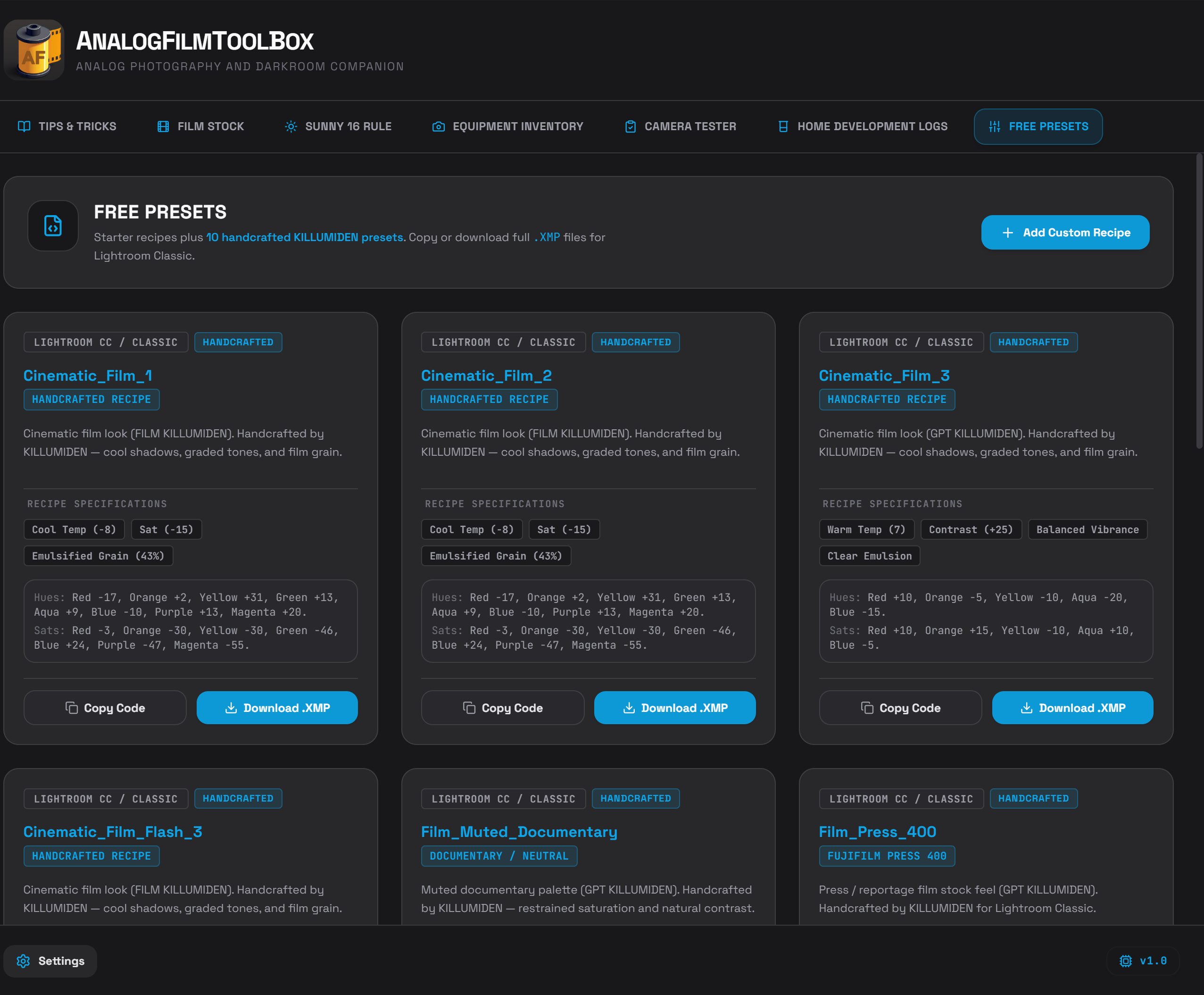
| ◆ | FREE Presets 10 handcrafted KILLUMIDEN presets plus custom recipes — full .XMP export for Lightroom Classic. |
| ◆ | Tips & Tricks Built-in darkroom guide: equipment, chemistry, scanning, and starter film recommendations. |
How to use
- Download the installer from the link in your order email (valid for a limited number of downloads).
- Install and launch AnalogFilm ToolBox. No account required.
- Explore — start on Tips & Tricks for a quick tour, then open each tab from the main navigation.
- Work — add gear, log rolls, run the agitation timer during development. Changes auto-save immediately.
- Settings (bottom-left) — export/import your database (JSON), adjust font size and accent theme, or print PDF previews to Documents.
Pro-tip: Export your database from Settings after major updates. Your backup file lives outside the app install folder so reinstalling never wipes your logs or inventory.
Data & privacy
- All data stored locally on your computer — not on our servers.
- Windows:
Documents\AnalogFilm ToolBox\data.json - macOS:
Documents/AnalogFilm ToolBox/data.json - Print previews saved to
Documents/…/AnalogFilm ToolBox/Prints/ - Works fully offline. No analytics, no login.
System requirements
Windows
- Windows 10 (version 1903 / build 18362) or later, or Windows 11
- 64-bit (x64)
- 4 GB RAM minimum · 8 GB recommended
- ~200 MB disk space
- No GPU or DirectX required (2D UI)
macOS
- macOS 11 (Big Sur) or later
- Universal build — Apple Silicon and Intel Macs
- 4 GB RAM minimum · 8 GB recommended
- ~200 MB disk space
macOS — first launch (security prompt)
Because AnalogFilm ToolBox is sold directly (not through the Mac App Store), macOS may show a security message the first time you open it — for example “Apple cannot check it for malicious software.” This is Apple’s standard check for independent software. The app is from KILLUMIDEN, contains no analytics or cloud sync, and works fully offline.
If the app is blocked, follow these steps once:
- Open the .dmg from your download and drag AnalogFilm ToolBox to Applications (do not run it from inside the disk image).
- Double-click the app in Applications. macOS will block it — that is expected on the first attempt.
- Open System Settings → Privacy & Security.
- Scroll to the bottom of the page and click Open Anyway next to AnalogFilm ToolBox. (The button appears only after step 2; it may take up to a minute to show.)
- Click Open in the confirmation dialog. The app will launch normally. You will not need to repeat these steps on future opens.
Apple Silicon (M1/M2/M3) on macOS 15 or later: Right-click → Open often does not work. Use Open Anyway in System Settings as described above.
Still stuck? Email support@apps.kristofferillumiden.com with your macOS version and we will help you get running.
Author: KILLUMIDEN · Made in Norway
Support: support@apps.kristofferillumiden.com
One-time purchase
Reviews
There are no reviews yet.